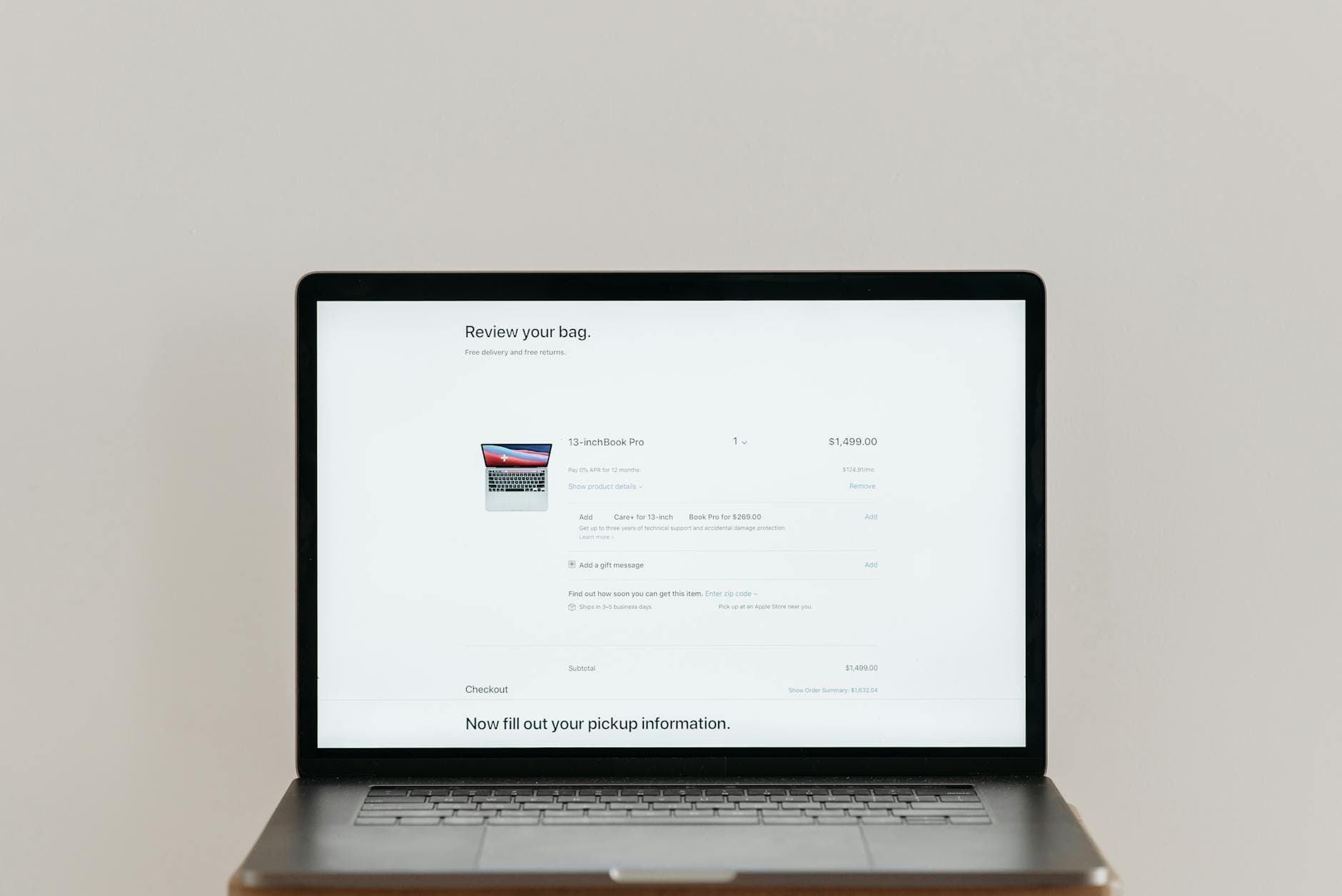

Quick answer: The highest-impact quick wins for most stores are: fixing page load speed on mobile, rewriting vague CTA copy to be specific and action-led, and streamlining the checkout to allow guest purchase. These three alone account for the majority of preventable conversion loss on most ecommerce sites.
Small changes can make a big difference. If your store is getting traffic but not enough sales, these quick wins can help you turn more visitors into customers without a complete redesign. None of them require a developer, and most can be done this week.
The average ecommerce conversion rate sits between 1% and 3%. If yours is below that, there are likely a handful of fixable issues holding it back. If it is already in that range, these improvements can still move the needle meaningfully.
1. Improve Page Load Speed
Every second of load time costs you sales. Studies consistently show that a one-second delay can reduce conversions by up to 7%. On mobile, the impact is even more pronounced.
Start by running your store through Google PageSpeed Insights or GTmetrix. Both are free and will show you exactly what is slowing things down.
The most common culprits are:
- Uncompressed images. Convert everything to WebP format and compress before uploading. Tools like Squoosh or ShortPixel make this straightforward.
- Unused or bloated apps. Every installed app adds weight, even ones you are not actively using. Audit your app list and remove anything that is not earning its keep.
- Render-blocking scripts. Move non-essential JavaScript to load after the main page content.
- A slow hosting plan. If you are on Shopify, WooCommerce or a hosted platform, upgrading your plan or moving to a faster server can have an immediate effect.
Aim for a PageSpeed score above 70 on mobile. Getting above 90 is ideal, but the biggest gains come from fixing the obvious issues first.
2. Add Clear, Action-Focused CTAs
Vague buttons lose sales. If your call to action says "Submit" or "Click Here", customers have no clear signal about what happens next.
Swap passive language for specific, benefit-led phrases. Some examples:
- "Add to Basket" is better than "Add to Cart" for UK audiences, and better than "Submit" for either
- "Get 20% Off" is better than "Sign Up"
- "Start My Free Trial" is better than "Get Started"
- "Buy Now, Pay Later" tells customers what to expect before they click
Placement matters too. Your primary CTA should be visible without scrolling on both desktop and mobile. If a customer has to hunt for the buy button, some of them will not bother.
Test button colour. This sounds trivial, but a high-contrast button that stands out from the rest of the page will outperform one that blends in. Run an A/B test if you have the traffic for it.
3. Use High-Quality Product Images
Online shoppers cannot touch, hold or try your products. Your images are doing that job for them. Poor photography is one of the most common reasons customers abandon a product page.
At minimum, each product should have:
- A clean main image on a white or neutral background
- Two or three additional angles, including close-ups of key details or materials
- At least one lifestyle or in-use shot showing the product in context
- A size reference where relevant, particularly for clothing, accessories and homewares
If you sell products where colour, texture or fit matters, consider adding a short video or 360-degree view. These consistently increase both time on page and conversion rates.
For compression without quality loss, aim to keep individual images under 200KB. If you are on Shopify, the platform handles some optimisation automatically, but uploading correctly sized images to begin with is better practice.
4. Simplify Your Navigation
If a customer cannot find what they want within a few seconds, they will leave. Complex navigation is a particularly common issue on stores that have grown organically, adding categories and pages over time without a clear structure.
A few principles that help:
- Limit your main navigation to five or six top-level items. Everything else can live within those categories.
- Use plain, descriptive labels. "Dresses" is better than "The Edit".
- Make your search bar prominent, especially on mobile. A significant portion of customers who know what they want will go straight to search rather than browsing.
- Add breadcrumbs on category and product pages so customers always know where they are and can easily step back.
- On mobile, test your navigation as a real user. Dropdowns that work well on desktop often fail on touch screens.
It is worth asking someone unfamiliar with your store to find a specific product from the homepage. Where they struggle is where you need to improve.
5. Add Social Proof Where It Matters
New customers do not know you yet. Reviews, ratings and trust signals help bridge that gap. The question is not whether to use social proof, but where to put it.
The most effective placements are:
- Near the add-to-basket button on product pages. A star rating and review count here can increase conversion rates significantly.
- At the top of the checkout, particularly a brief trust statement or secure payment badge
- On category pages, showing average ratings in product listings
- On your homepage, especially if you have notable press coverage or a strong review count
For collecting reviews, Trustpilot, Yotpo and Okendo all integrate well with major ecommerce platforms. Judge.me is a popular lower-cost option for Shopify stores.
If you have fewer than 20 reviews, prioritise getting those first. A product page with 3 reviews and a 5-star rating is less convincing than one with 47 reviews and a 4.3-star average. Quantity and recency both matter.
6. Optimise Your Product Page Layout
Most product pages bury the information customers need most. Above the fold on desktop, and within the first scroll on mobile, a customer should be able to see:
- The product name and a clear hero image
- Price, including any sale price with the original clearly shown
- Key variants (size, colour) with availability indicated
- A clear, prominent add-to-basket button
- Delivery information, particularly estimated delivery time and returns policy
Everything else, including detailed descriptions, specifications, size guides and reviews, can sit lower on the page.
Two specific things worth auditing: delivery time and returns policy. These are among the top reasons customers abandon product pages without buying. If your delivery time is competitive, say so clearly. If returns are free and easy, say that too. Do not hide it in the footer.
7. Streamline the Checkout Process
Checkout abandonment typically runs at 70% or higher across ecommerce. Many of those drop-offs are avoidable.
The most impactful changes:
- Offer guest checkout. Forcing account creation before purchase is one of the most well-documented conversion killers. Let customers buy first, then invite them to create an account.
- Show a progress indicator. Customers are more likely to complete a process when they can see how close they are to the end.
- Reduce the number of form fields. Only ask for what you genuinely need. Shipping address, payment details and an email address covers the basics.
- Offer multiple payment methods. PayPal, Apple Pay, Google Pay and buy-now-pay-later options like Klarna or Clearpay all increase completion rates for different customer segments.
- Be upfront about costs. Unexpected shipping charges at checkout are the number one cause of abandonment. Show delivery costs early, ideally on the product page itself.
If you can, run a session recording tool like Hotjar or Microsoft Clarity on your checkout pages. Seeing where real users drop off is more valuable than any benchmark.
Start Optimising Today
You do not need to implement all seven at once. Pick the two or three that are most clearly broken on your store right now, fix them, and measure the result. Then move on to the next. Sustained, incremental improvement over time compounds into a meaningfully higher conversion rate.
Track your overall conversion rate weekly, and break it down by device. Mobile conversion rates are typically lower than desktop, so any improvements you make there tend to have an outsized effect.