
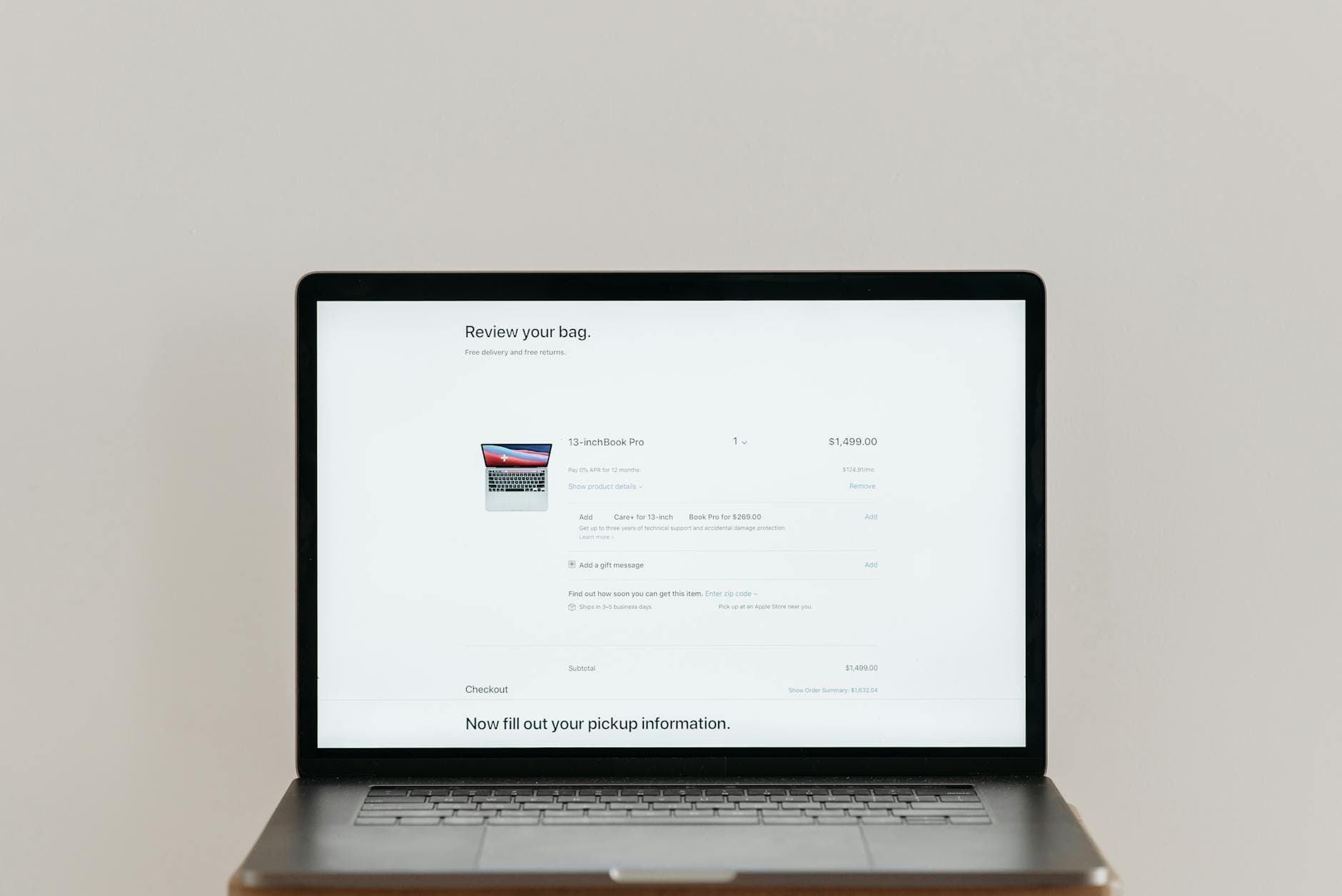
Quick answer: The biggest cart abandonment wins come from three places: removing forced account creation, showing delivery costs earlier in the funnel, and setting up a three-email recovery sequence. At Limely, fixing these three things on client stores has consistently recovered between 8 and 15% of abandoned carts within the first 30 days.
What is a Good Cart Abandonment Rate for Ecommerce?
The average ecommerce cart abandonment rate is around 70%, meaning seven out of ten people who add something to a cart never complete the purchase. A rate below 65% is strong. Above 75% suggests a specific friction point in the checkout that is worth diagnosing.
Mobile tends to run higher than desktop — often 80% or more — which is why checkout UX on mobile deserves separate attention.
Why Do Customers Abandon Their Carts?
Most cart abandonment is not about intent. Shoppers leave for preventable reasons:
- Unexpected delivery costs — the most common cause. Customers add items assuming free or low-cost shipping, then bail at checkout when they see the real figure.
- Forced account creation — being asked to register before buying is a significant drop-off point, particularly for first-time customers.
- Checkout is too long or complicated — too many fields, too many steps, unclear progress.
- Payment options are limited — missing Apple Pay, PayPal or buy-now-pay-later options costs conversions, especially on mobile.
- Site feels untrustworthy — no visible security badges, unfamiliar payment logos, or a checkout that looks different from the rest of the site.
- They were just browsing — some abandonment is unavoidable. Focus on the recoverable portion.
Is Your Checkout Too Long?
A well-optimised checkout has one page, or at most two clearly labelled steps. Every extra field you ask for reduces completion rate. At Limely, we have seen stores cut abandonment by double digits simply by removing the second address line field, the phone number field (unless genuinely needed), and collapsing billing address into a single checkbox.
Test your own checkout on mobile with a real card. If it takes more than 90 seconds from cart to order confirmation, it is too long.
Are You Forcing Account Creation?
Guest checkout should always be the default, with account creation offered as an option after purchase. Forcing registration before checkout is one of the most consistently damaging conversion mistakes we see. Shoppers do not trust a new store enough to commit to an account — they just want to buy the thing.
If you want email opt-ins at checkout, capture the email address in the first field and pre-tick a marketing consent checkbox. You get the data without blocking the purchase.
Is Unexpected Delivery Cost Killing Your Conversions?
Show delivery costs as early as possible — ideally on the product page or with a cart-level calculator. Sticker shock at the payment step is difficult to recover from.
If you cannot offer free delivery on everything, set a clearly communicated free delivery threshold. "Free delivery over £40" is a well-understood mechanic that also increases average order value. At Limely, we have seen stores add a cart progress bar showing how far a customer is from the threshold — this alone tends to lift both conversion rate and AOV.
Is Your Site Slow or Untrustworthy at Checkout?
Two things kill checkout conversion that are easy to miss:
Speed. If your checkout page takes more than three seconds to load on mobile, you will lose a meaningful share of customers. Run it through PageSpeed Insights and prioritise any critical-path issues.
Trust signals. Display SSL indicators, recognisable payment logos (Visa, Mastercard, PayPal), and returns policy information in the checkout footer. Customers who have never bought from you before need reassurance at the exact moment they are about to hand over their card details.
How Do You Recover Abandoned Carts?
What Should a Cart Abandonment Email Sequence Look Like?
A three-email sequence is the standard that consistently outperforms single-email recovery:
- Email 1 — 1 hour after abandonment: Simple reminder. No discount. Just "you left something behind" with a direct link back to the cart. This recovers the easiest segment — people who got distracted.
- Email 2 — 24 hours after abandonment: Add social proof. Show reviews of the product they left, address common objections (returns policy, delivery time), and create mild urgency if stock is genuinely limited.
- Email 3 — 48 to 72 hours after abandonment: Offer an incentive if you choose to. A 10% discount or free delivery code works here. Do not lead with it in email one — you train customers to abandon carts deliberately if you discount too quickly.
Klaviyo and Omnisend both handle this sequence out of the box. On Shopify, the native abandoned checkout emails are a reasonable start but lack the segmentation and sequencing of a dedicated tool.
Do Exit-Intent Popups Work?
On desktop, exit-intent popups (triggered when the cursor moves toward the browser bar) add a small recovery layer before the customer leaves. They work best when they offer something concrete — free delivery, a small discount — rather than just asking the customer to stay.
On mobile, exit-intent is less reliable technically. A timed popup after 30 to 60 seconds of inactivity on the cart page is a more consistent trigger.
Do not show a popup to customers who have already signed up or who are in the middle of typing. Both kill more goodwill than they recover.
Cart Abandonment Recovery Checklist
- Guest checkout is available and is the default option
- Delivery costs are visible before the payment step
- Checkout is one page or clearly labelled two-step
- Phone and unnecessary fields have been removed
- Apple Pay, PayPal or buy-now-pay-later is enabled on mobile
- SSL and payment trust logos are visible in checkout
- Cart abandonment email sequence (3 emails) is live
- Checkout page load time on mobile is under 3 seconds
- Free delivery threshold is clearly communicated with a progress bar
- Exit-intent offer is live on desktop cart page
The Honest Summary
Most cart abandonment is recoverable because most of it is caused by friction you put there. The stores that make the most progress fastest are the ones that audit their own checkout as a first-time customer on mobile — and then remove everything that slows that experience down.
Recovery emails matter, but they are a safety net. The priority is making the checkout fast, clear and trustworthy enough that customers do not need recovering in the first place.